
3 Simple Steps to Get 95% Accuracy with an Automatic Subtitle Translator
published in January 2026
Nothing undermines a great video faster than clumsy, inaccurate subtitles. You pour hours into creating compelling content. However, stiff, machine-generated text can devalue your work. It can damage your professional brand.

You've likely tried a standard automatic subtitle translator, hoping for a quick fix. They all promise instant, one-click solutions. Yet, the output is often clumsy and inaccurate. This leaves you wondering where things went wrong.
The surprising answer is that the problem often isn't the tool itself. It is the process you use with it. A powerful automatic subtitle translator is only as good as the strategy behind it.
This guide will walk you through a proven, three-step process designed to change that. We will show you exactly how to prepare your files. You will learn to leverage the right features and perform fast edits.
Follow these steps to transform your automatic subtitle translator. It will go from a simple utility to a powerful growth engine. This can boost your accuracy to a near-native 95%. It allows you to reach a global audience.

1.Step 1: Lay the Foundation - Prepare a "Perfect" Source Subtitle File
We must first understand a core principle for high-accuracy translations: "garbage in, garbage out." The quality of any powerful automatic subtitle translator depends on your source file. It relies on the quality you provide.
Even the best automatic subtitle translator fails if the source file is full of errors. It cannot produce the desired results. Therefore, the first step is critical. You must prepare a clean and accurate source subtitle file.
1.1. Source File Quality is the Cornerstone of Accurate Translation
Think of an automatic subtitle translator as a brilliant student. Imagine giving them a textbook full of typos and grammatical errors. They will struggle to learn the correct information. Spelling mistakes, messy timestamps, or inconsistent punctuation are all "noise."
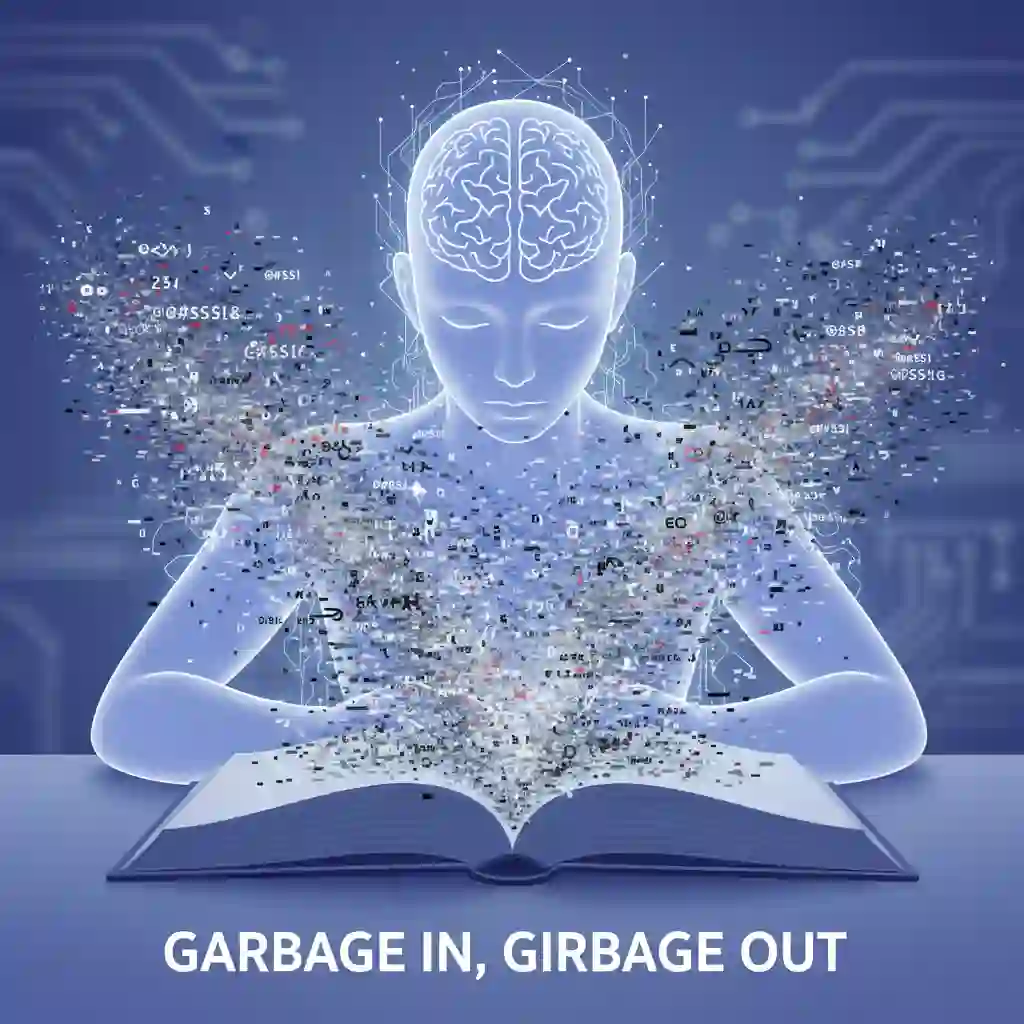
This noise interferes with its ability to understand context. This leads to translation deviations. A high-quality source file is a prerequisite. It allows any automatic subtitle translator to reach its full potential.
1.2. How to Get a Clean Source File: Start with Audio Transcription
Does your video lack subtitles? Start with a high-accuracy speech-to-text tool. Many modern tools, and even some free platforms, offer this service. Ensure your video's audio quality is high. Clearer audio leads to a more accurate initial subtitle draft.
Here is essential data. Studies show that increasing the audio signal-to-noise ratio by 10 decibels helps. It can improve the accuracy of auto-generated subtitles by 15-20%. A clean audio source lays a solid foundation. This prepares for the automatic subtitle translator work.
Clear audio can improve auto-caption accuracy by 15–20%; this YouTube subtitle translation tutorial shows the high-quality transcription basics that build a solid foundation for an automatic subtitle translator. (How to Add Subtitles and Translate ANY Video)
How to Add Subtitles and Translate ANY Video
YouTube Video
1.3. Critical Proofreading: Correct Spelling, Grammar, and Timing
Do not put your initial draft straight into an automatic subtitle translator. Spend 15-20 minutes on critical proofreading. This offers a high return on investment. Check for spelling and grammar errors. Standardize punctuation in the text. Ensure each subtitle line syncs with the video speech.
This simple step is vital. It improves the final quality before you translate subtitles. Remember, a proofread file helps. It makes the work of an automatic subtitle translator easier and more effective.
Spend 15–20 minutes proofreading spelling, grammar, and timing; this thread emphasizes why proofreading should happen before automated translation.(Any way to automatically translate subtitles)
1.4. Preprocessing Jargon and Slang
Does your video contain brand names, industry jargon, or slang? You should standardize these terms before translation. For example, say your brand is named "CloudVortex." Ensure you use this exact spelling throughout the file. Do not use "Cloud Vortex" or "cloudvortex."
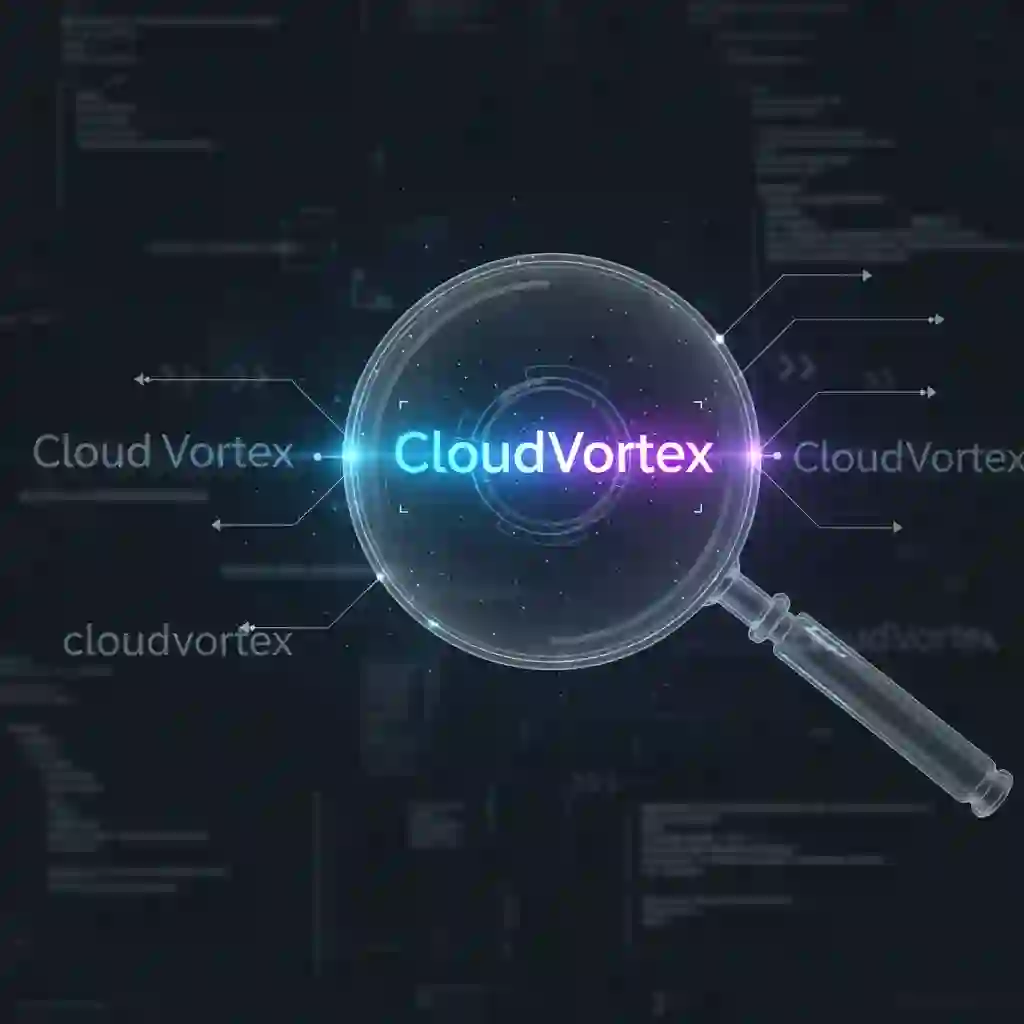
This preprocessing step prevents inconsistent results. It stops an automatic subtitle translator from making errors. This is crucial for maintaining professionalism in AI video translation.
1.5. The Importance of Format: Why We Recommend SRT
Finally, the subtitle file format matters. We recommend using the SRT (.srt) format. SRT is a universal and simple file format. Almost all video platforms and software support it. Its clean, plain-text structure is free of complex code. This makes it easy for any automatic subtitle translator to process.
Choose the SRT format when you translate an SRT file. This minimizes format incompatibility issues. It ensures your automatic subtitle translator completes its job well.
2.Step 2: Choose the Right Tool - Unleash Its 120% Potential
You have a perfect source file. Now, select the right tool for the translation. The market offers many options. However, an exceptional automatic subtitle translator multiplies your efficiency. Choosing the right tool is not just about functional software. It is about finding an ally for your globalization strategy. A superior automatic subtitle translator helps you do more with less effort.
2.1. Not All AI Subtitle Translator Tools Are Created Equal
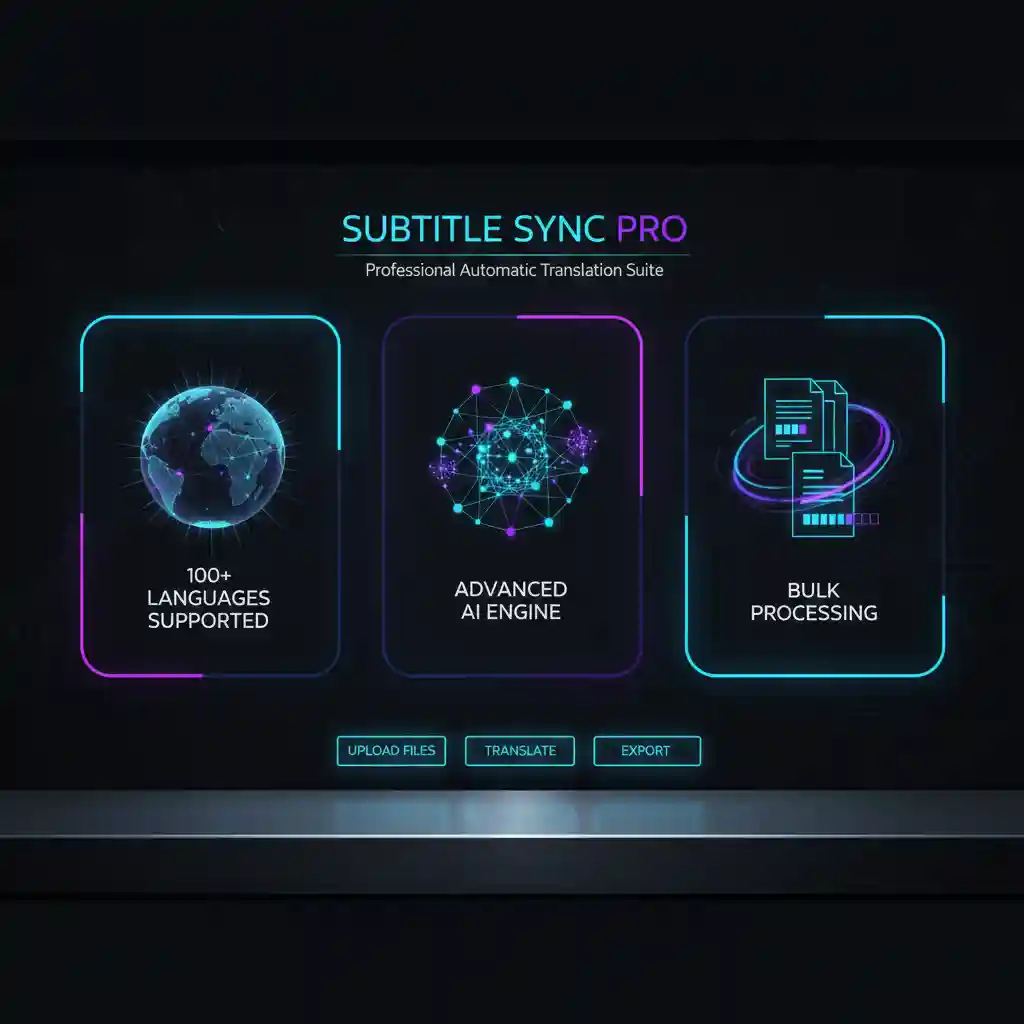
It is easy to get lost in features when selecting a subtitle translator. Focus on three core metrics that define value. First, look at the number of supported languages. This determines your reach in the international market. Second, check the translation engine technology. This impacts the accuracy and fluency of the translation.
Finally, check if it supports bulk processing. This is often overlooked. An automatic subtitle translator without batch capabilities slows you down. It creates a bottleneck when you have a lot of content. Therefore, a professional automatic subtitle translator must excel in all three areas.
2.2. A Practical Example: AI Subtitle Translator
Now, let's look at a concrete example: Ai Subtitle Translator. Developers designed this tool around these core metrics. First, it supports translation for over 100 languages. This allows you to reach audiences in almost every corner of the globe. This is a fundamental feature for any top-tier automatic subtitle translator.
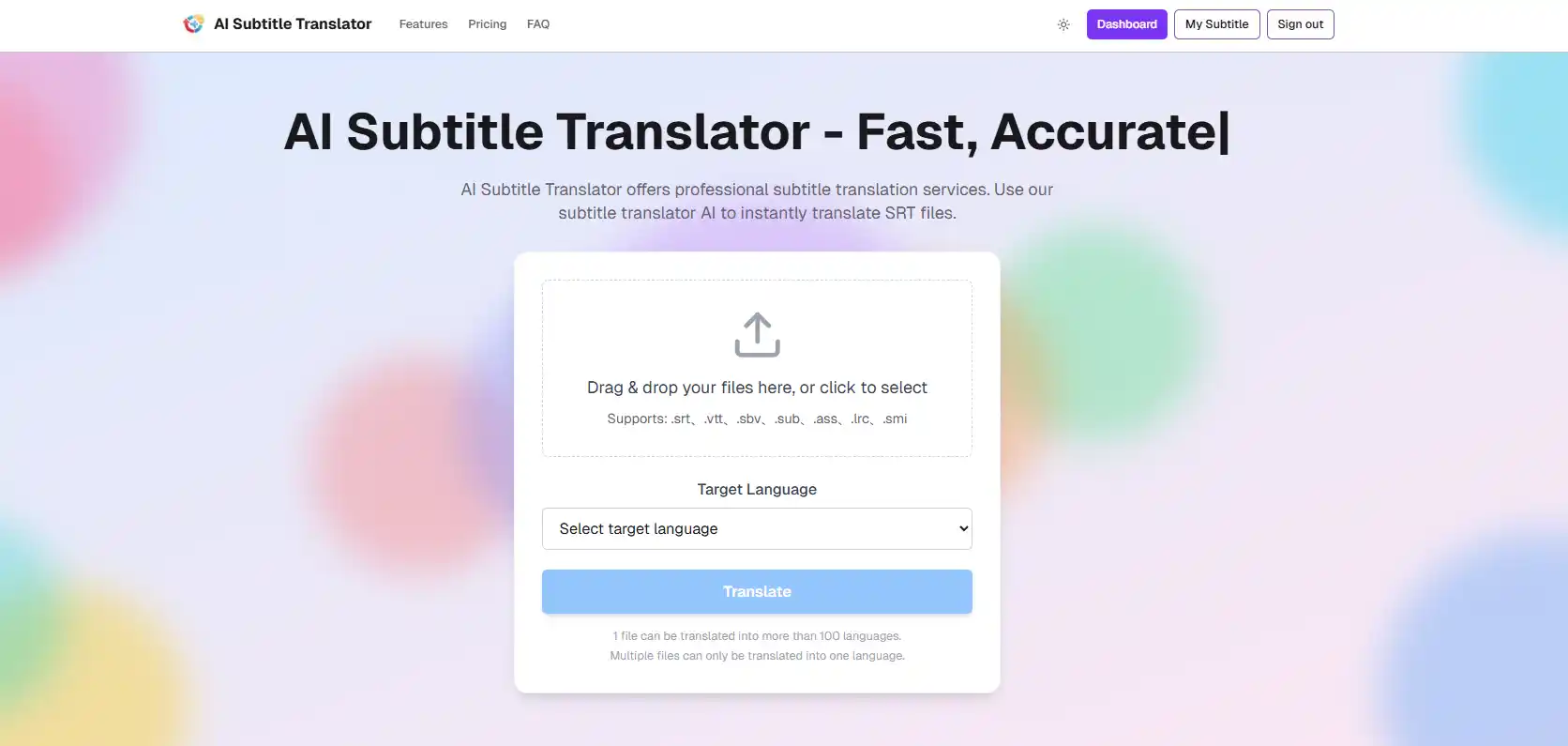
Second, its powerful bulk processing capability is its true highlight. You can upload dozens or even hundreds of SRT files at once. Select your target languages. Then, start the translation with a single click.
Others must translate files one by one. Meanwhile, you finish quickly with this efficient automatic subtitle translator. This feature changes the way you handle subtitle translation.
Ai Subtitle Translator supports 100+ languages with batch processing; this subtitle-focused post recommends similarly efficient automatic subtitle translator workflows.(AI generated transcripts and subtitles with translations)
The ultimate AI subtitle translation powerhouse supports 100+ languages with batch SRT processing—upload once, translate instantly. A must-have for YouTube creators, course instructors, and marketing teams to globalize content fast. (100+ Language Batch SRT Translator)
It includes an online subtitle editor with real-time preview and timeline-synced adjustments. ( Real-time timeline sync editing)
It also provides subtitle format conversion across common caption files. (Subtitle Converter Tool - Universal SRT/VTT/ASS format converter)
2.3. Bulk Translation: An Efficiency Revolution from Days to Minutes
The bulk translation feature offers more than convenience. It is an efficiency revolution. Time is the most valuable resource for content creators and marketing teams. In the past, translating subtitles for a video series took days or even a week. Now, an advanced automatic subtitle translator shortens this process to mere minutes.
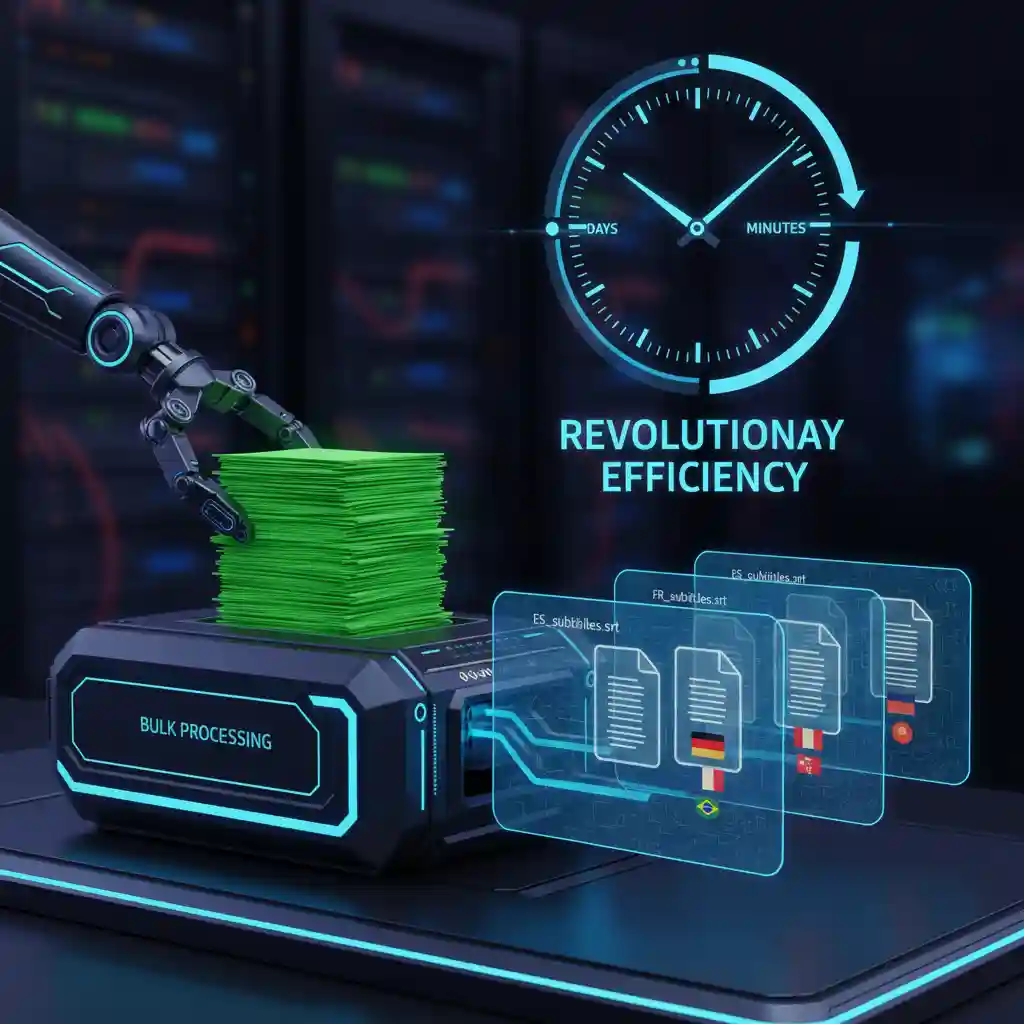
Here is a real-world case study. A YouTube educational channel creator had 50 core instructional videos. He used the bulk translation feature of Ai Subtitle Translator. He added foreign subtitles in five new languages: Spanish, French, German, Japanese, and Hindi. He completed this task in two hours.
The results were staggering. In one week, his viewership from non-English speaking regions increased by 300%. This case demonstrates a key point. A powerful automatic subtitle translator is not merely a tool. It is a growth engine for business. The automatic subtitle translator he chose delivered an enormous return on investment.
In DaVinci Resolve, ChatGPT enables one-click automatic subtitle translation, saving hours of editing time and boosting automatic subtitle translator efficiency. (Demo of bulk translation revolution in DaVinci Resolve with ChatGPT auto-subtitles)
Demo of bulk translation revolution in DaVinci Resolve with ChatGPT auto-subtitles
YouTube Video
2.4. Language Selection Strategy: More Than "Translate to English"
You have an automatic subtitle translator that supports many languages. The next question is which languages to choose. Avoid translating into as many languages as possible without a plan. You need a strategic approach. Check your video platform's analytics. Identify which countries your current international viewers come from.
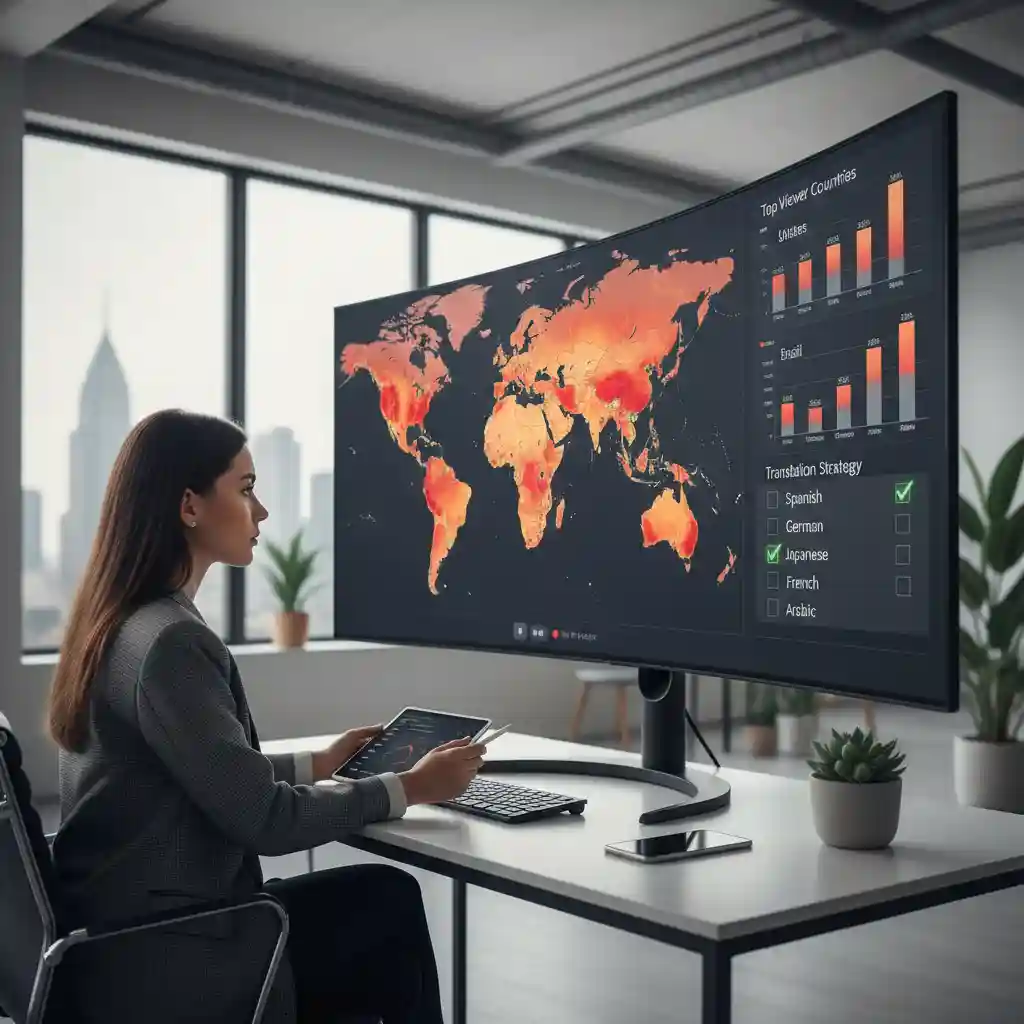
Prioritize those countries for your initial translation efforts. This data-driven decision allows your video language translator feature to deliver full value. Using this method transforms your automatic subtitle translator. It is no longer a passive tool.
It becomes a strategic weapon to explore new markets. You can connect with potential audiences. A smart automatic subtitle translator user always makes technology serve their strategy.
3.Step 3: The Finishing Touch - 15 Minutes of Efficient Post-Editing
You used a powerful automatic subtitle translator to do 90% of the work. Now comes the most crucial 10%: the finishing touch. Post-editing is not about re-translating. It is a fast, focused process. You elevate a "good enough" machine translation into an "excellent" one. A great automatic subtitle translator, combined with this final step, earns your audience's trust.
3.1. Forget Word-by-Word Proofreading: Focus on 4 Key Checkpoints
Forget time-consuming, word-by-word checks. Efficient post-editing only requires you to focus on four key areas. The first is Fluency. Check if the sentences flow well. Ensure they match the spoken conventions of the target language. An automatic subtitle translator might be grammatically correct but still sound robotic.
The second is Critical Information. Scan for names, places, brand names, and numbers. Ensure they are 100% accurate. AI video translation can sometimes slip up in this area.
The third is Cultural Context. Look for expressions or slang that might be inappropriate. A good automatic subtitle translator struggles to grasp these nuances.
The fourth is Line Length and Breaks. Ensure subtitle lines are not too long. Check that the breaks align with a natural reading rhythm. This detail is vital for the viewer's experience. It is a key part of refining the work after you translate subtitles.
Subcap’s Instagram Reel shows practical auto-caption polishing tips—especially checking fluency, critical information, cultural context, and line length.(Make every video accessible with Subcap’s effortless captioning)
Make every video accessible with Subcap’s effortless captioning
Instagram Reel
| Checkpoint | Focus |
|---|---|
| Fluency | Ensure sentences flow well and match spoken conventions. |
| Critical Information | Scan for 100% accuracy in names, places, brands, numbers. |
| Cultural Context | Check for appropriateness of expressions and slang. |
| Line Length | Verify lines aren't too long and breaks appear natural. |
3.2. Use "Find and Replace" to Fix Systemic Errors
During your review, you might notice an error. Your chosen automatic subtitle translator might often make the same mistake. For example, it might translate your brand name "AiSub" as "AI Submarine." When this happens, do not correct each instance by hand.
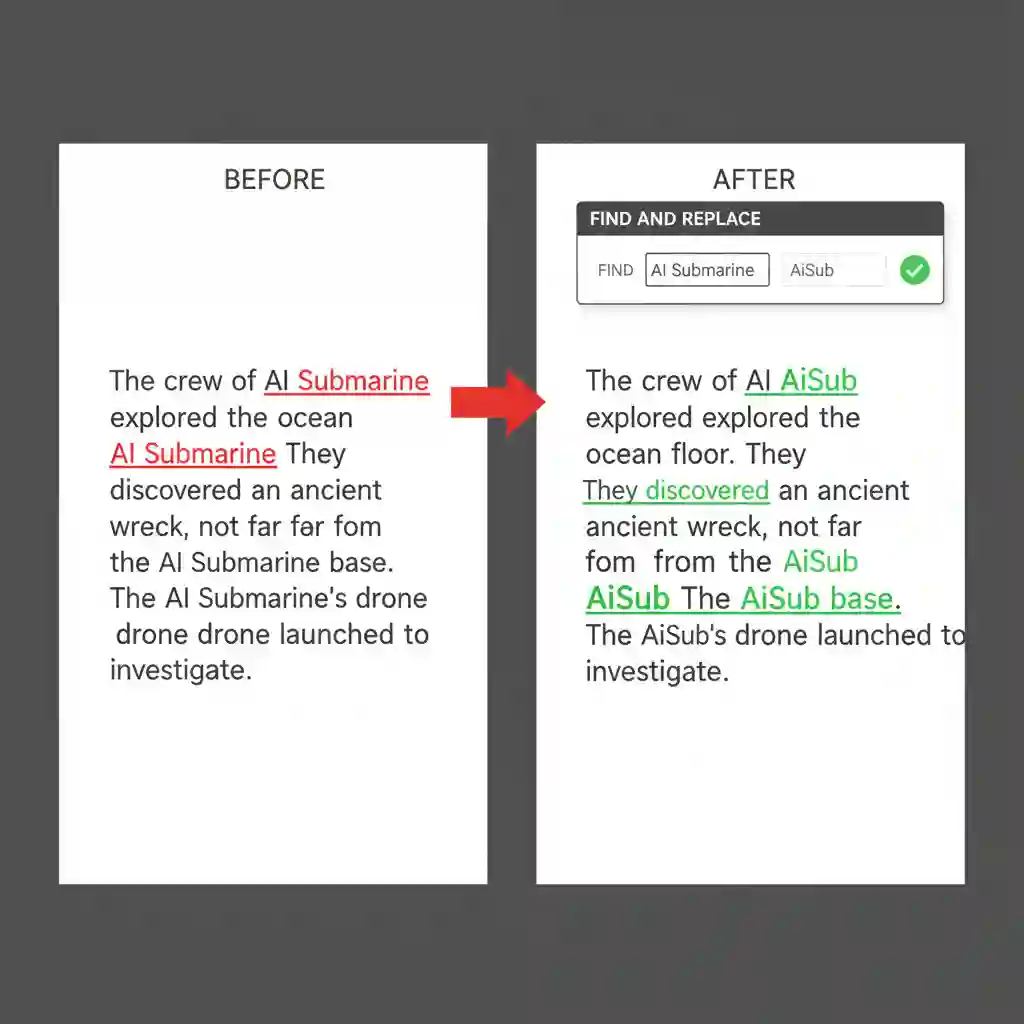
Here is an effective technique. Use the "Find and Replace" function in any text editor. You can correct every instance of that error throughout the file with one command. This simple trick cuts hours of editing down to seconds. It makes your subtitle translator appear even brighter.
Use “Find and Replace” to batch-fix systemic errors; this RecCloud TikTok translation video demonstrates rapid automatic subtitle translator optimization.(TT video demonstrates rapid and automatic translation)
TT video demonstrates rapid and automatic translation
TikTok Video
3.3. Invite a Native Speaker for a Quick Review (Optional but Effective)
Do you want to achieve near-perfect results? This is the best way. First, finish your checks. Then, invite a friend or colleague who speaks the target language natively.

Ask them to spend 5 minutes reviewing the file. Their intuition will catch awkward phrasing. An automatic subtitle translator or non-native speaker might miss these errors.
This step is the final quality assurance when you add foreign subtitles. Industry data shows an interesting trend. Viewer satisfaction with AI-translated subtitles can jump from 6/10 to 9/10 after 15 minutes of editing.
This feedback allows your video language translator to produce content. It connects with people. This quick review ensures the hard work of your automatic subtitle translator pays off. It gives the output a final seal of professional approval.
4.Turn Your Automatic Subtitle Translator into a Globalization Growth Engine
You now have the core secret to high-accuracy translations. Remember this formula for success. Combine a high-quality source file, a powerful tool, and efficient post-editing. This equals up to 95% translation accuracy. This is more than a process for translating subtitles. It is a complete strategy. It maximizes the value of your content globally.
Follow this three-step process. The role of your automatic subtitle translator will change. It transforms from a simple utility into a powerful growth engine. It connects you with global audiences. It makes your content borderless. You save more than an hour with this process. You gain the opportunity to enter new markets.
You have mastered the theory. Now, put it into practice. See what a premium automatic subtitle translator can do for you. Ai Subtitle Translator now offers a free trial. Upload your first SRT file. Experience unprecedented speed and precision in bulk translation. Click the link below. Start your content globalization journey in three minutes.