How to Translate Subtitle SRT on Your Phone with These 4 Amazing Apps
Published on December 22, 2025
Picture this. You finally downloaded that must-watch series onto your phone. You are ready to dive in. However, you find the only available SRT subtitle is in a language you don't understand.

This is a universal nightmare for any media lover. It is especially frustrating when you need a way to translate subtitles srt, and your laptop is nowhere in sight.
Many people believe handling subtitle files is a job only for computers. But that notion is outdated. In today's mobile-first world, you can learn to translate subtitle srt on your phone. It is not only possible. It is simple.
It is time to stop treating your phone's download folder like a museum for incomprehensible text files. They deserve a second chance at life!
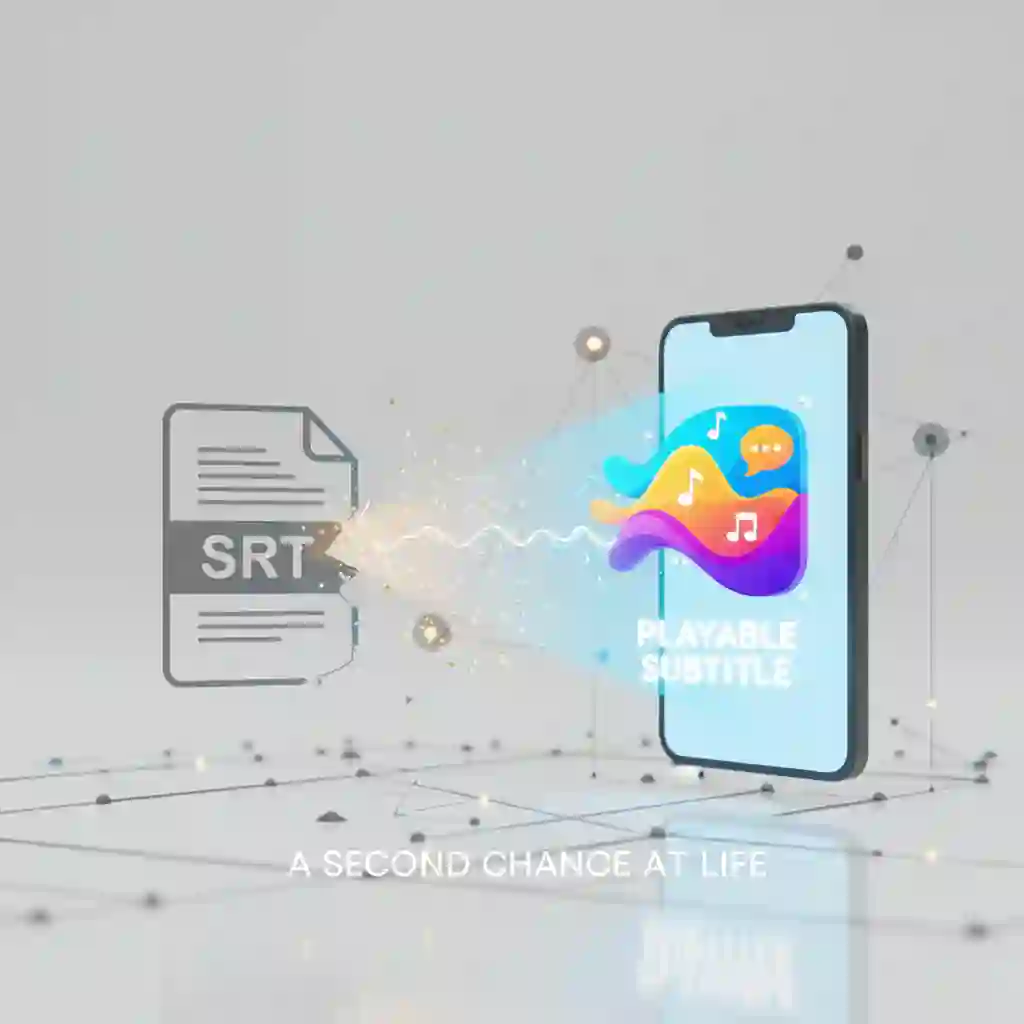
In this ultimate guide, we review four incredible mobile apps designed for this exact purpose. These tools help you get high-quality translations in a few taps. You can use them on your daily commute or while relaxing at a coffee shop.
Are you ready to break the language barrier? Become a pro who can translate subtitle SRT anywhere, anytime. Let's get started.
1.Why Choose a Mobile App to Translate SRT Subtitles?
In the past, our first instinct was to open a laptop to translate subtitle. Today, smartphones have changed the game. Their rich app ecosystems are robust. Moving this task to your phone offers more benefits than you might think.
1.1 On-the-Go, Instant Translation
Imagine receiving an urgent SRT file from a colleague while on the train. Or you are downloading a new movie you can't wait to watch. You do not have to wait until you get home.

You can instantly translate subtitles right on your phone. This task once tied you to a desk. Now, you can complete it during a 15-minute commute. This allows you to respond to needs in real-time.
1.2 Simplified Workflow Designed for Mobile
Unlike complex desktop software, a mobile subtitle translator app offers a user-friendly interface. The process usually involves three simple steps. First, upload the file. Second, select your target language. Finally, tap to download. There are no confusing menus. This makes the task of translating subtitle SRT an intuitive and fast experience.
Check this video to learn quick mobile tutorials for translate subtitle srt. Translate Subtitles to ANY LANGUAGE
Translate Subtitles to ANY LANGUAGE
YouTube Video
1.3 AI-Powered for Guaranteed Quality
The core advantage of modern apps is their powerful automatic subtitle translation capability. Most integrate top-tier AI engines like Google Translate or DeepL. They achieve accuracy rates exceeding 95% in many contexts. This improves the results when you translate subtitle srt on your phone. It is no longer stiff and robotic. The output becomes smooth and natural.
Users often discuss these improvements online. For example, this post highlights how modern AI engines capture nuances better than before, making mobile translate subtitle srt reliable and practical. Best way to translate a full SRT subtitle file into English
1.4 Lower Cost, Often Completely Free
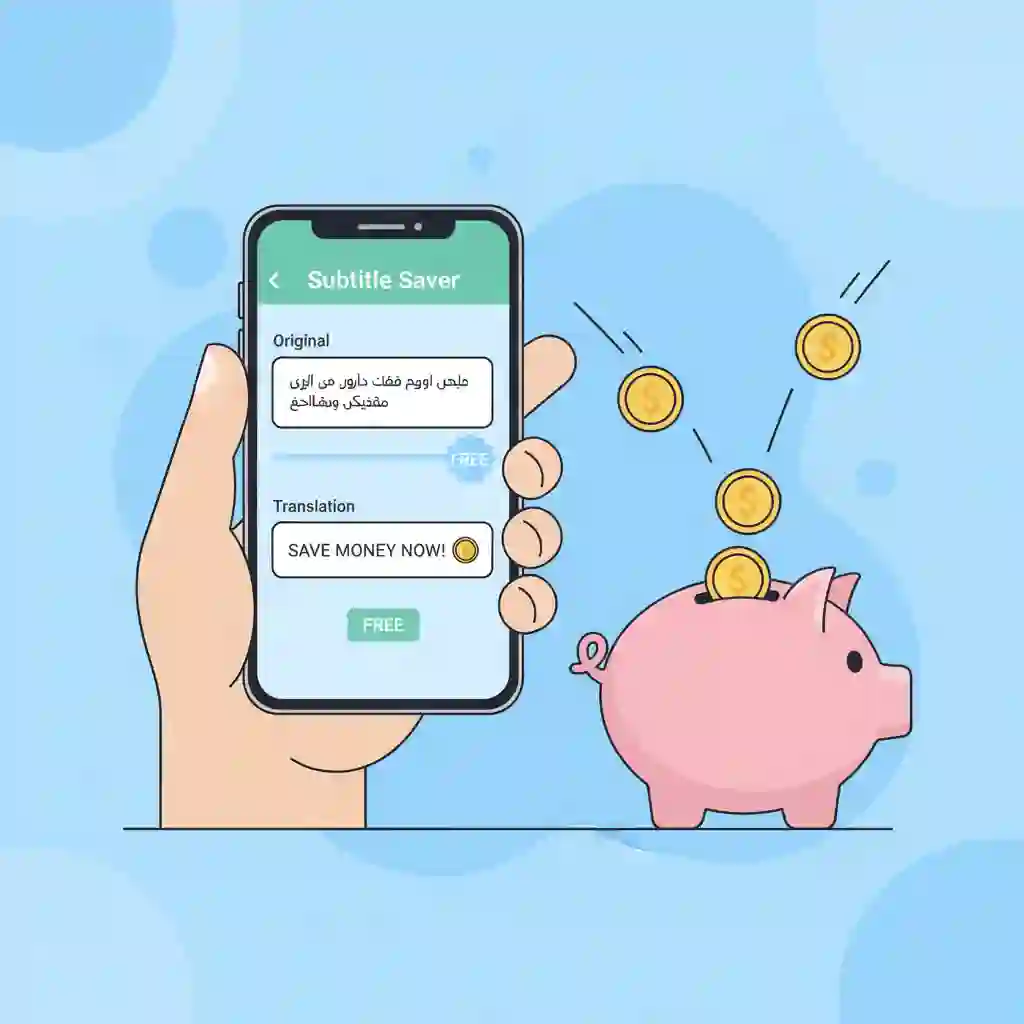
Professional desktop subtitle software can cost from $20 to over $100. In contrast, app stores offer excellent online subtitle translator tools. They let you translate subtitle srt for free. This saves you money. It also lowers the barrier to getting the job done.
2.The 4 Best Mobile Apps to Translate SRT Subtitles (2026 Review)
Many subtitle tools are available. Finding the right one can be overwhelming. We tested many apps to help you choose. We selected these top four performers. Each excels in a different area. They all allow you translate SRT files. However, their focuses and strengths vary. Here is our detailed breakdown of each.
2.1 SubTrans - The AI Master for Ultimate Accuracy
Is translation quality your top priority? SubTrans is the undisputed champion. It is a professional AI subtitle translator. It was built with one core mission: deliver the most accurate results possible.
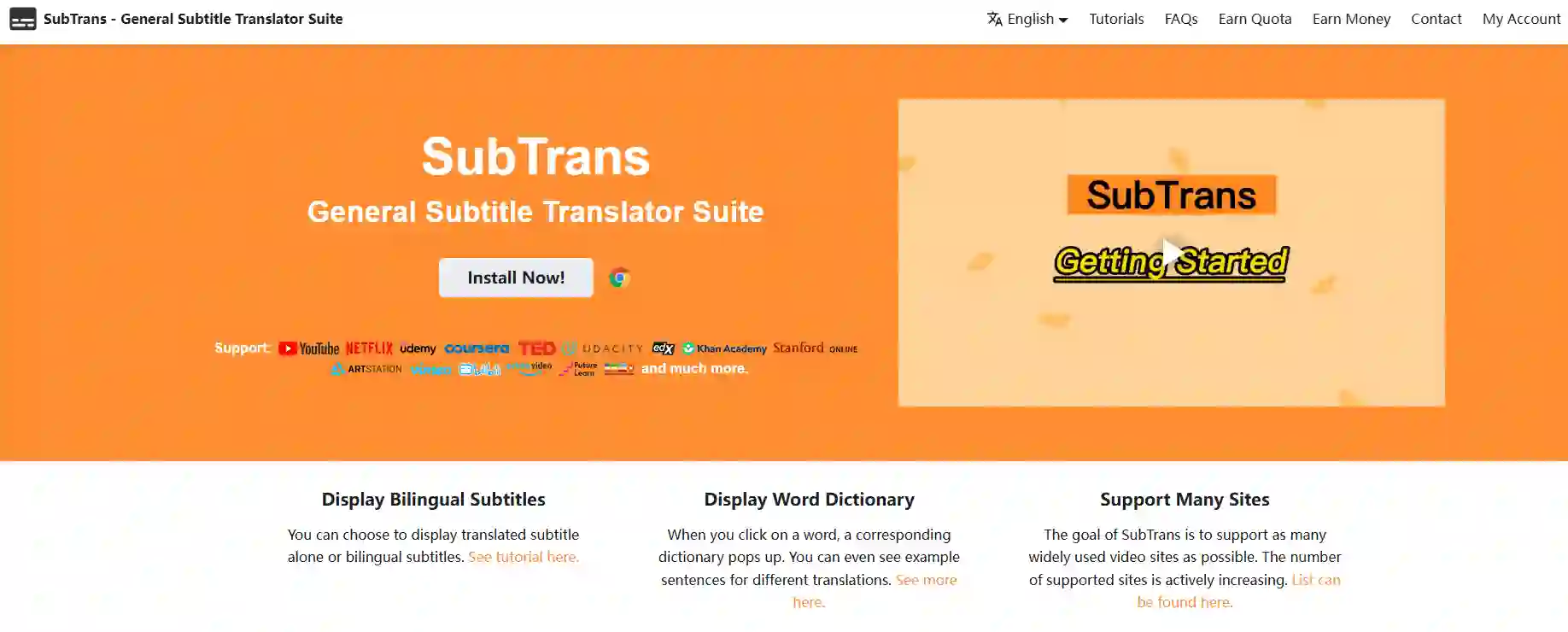
Use it when you need to translate subtitle SRT for professional courses or business videos. Its performance is second to none.
This SRT translator shines by integrating multiple top-tier translation engines. It uses engines like DeepL and Google's enhanced AI. Its unique "Terminology Lock" feature keeps technical terms consistent.
This is vital for translating documentaries or tutorials. For example, it ensures "variable" isn't mistranslated during a coding tutorial. SubTrans sets the standard for high-quality subtitle translation with SRT files.
Its main advantage is translation quality that rivals human translators. However, there is a drawback. The free version has a daily limit of 2,000 characters. This may not be enough for long videos. This tool is perfect for users who demand extreme accuracy. It suits those willing to pay for premium-quality translation of subtitle SRT files.
2.2 SRT File Translator - The Free and Versatile All-Rounder
For most casual users, a free tool is the ideal choice. SRT File Translator fits this description well. It is a no-frills subtitle translator. It focuses on one thing. It gets the job done when you need to translate subtitle srt.
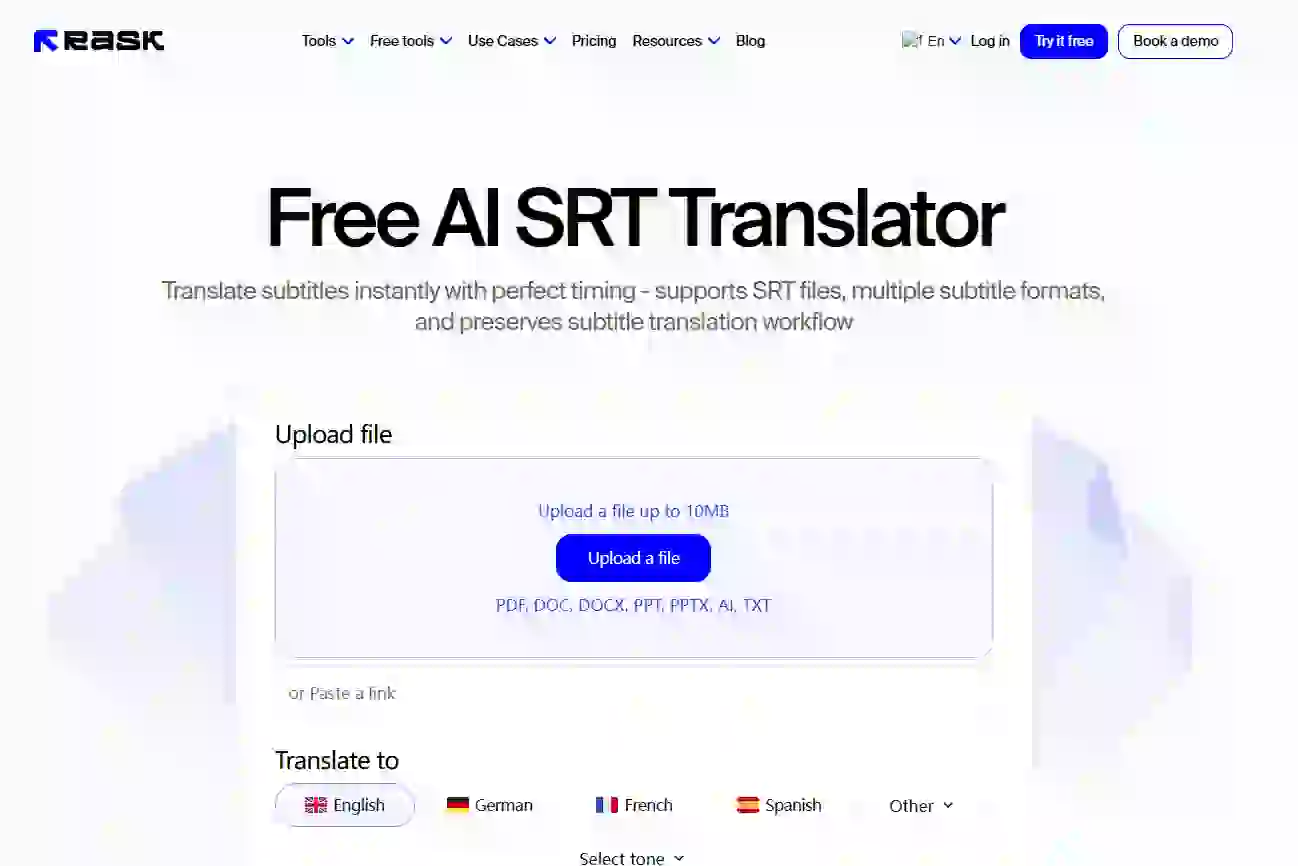
Its standout features are batch processing and multi-format support. You can upload up to 10 SRT files at once for translation. This is a massive time-saver. It also functions as a powerful subtitle converter. It supports formats like VTT and ASS. You can use it to translate subtitle srt and other formats without hassle.
The biggest pro is that it is completely free and ad-free. It offers a clean user experience. Its main weakness is its reliance on a single translation engine. It can sometimes struggle with complex sentences compared to SubTrans. However, it is an excellent choice for students and personal users. It helps anyone who needs to translate subtitle srt quickly and for free.
Community feedback supports this value; this discussion lists trusted free tools. These resources are invaluable when you need to translate subtitle srt quickly and for free. FYI: A website to translate subtitles to other languages
2.3 Kapwing Mobile - More Than a Translator, It's a Video Editor
Kapwing Mobile positions itself apart from the others. It is a lightweight online video studio. The ability to translate subtitles is one of its many features. Do you want to edit and preview files on your phone? If you do not simply want to translate subtitle srt, this is the tool for you.
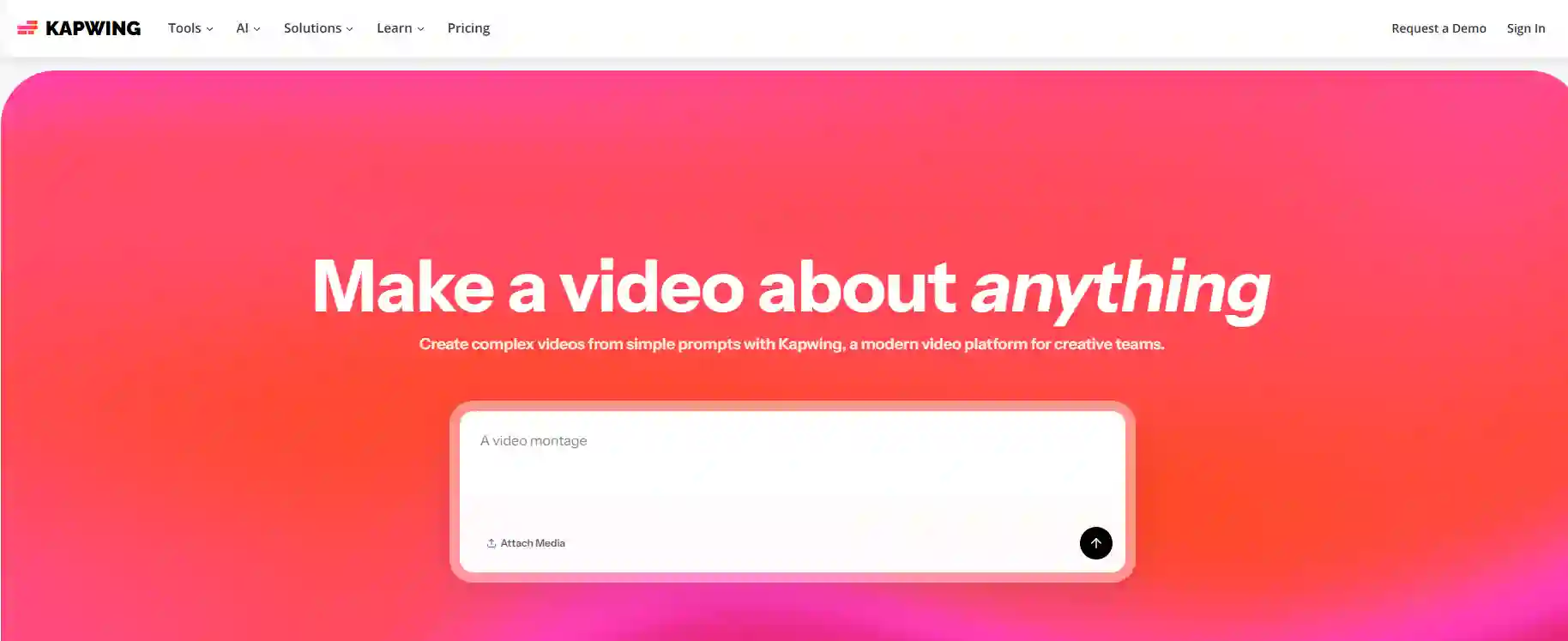
Its workflow is seamless. You can upload your video and SRT file. Then, translate and edit the text directly on the video preview. As a powerful SRT file editor, it lets you adjust timestamps, fonts, and colors in real time.
This "what-you-see-is-what-you-get" experience is unique. No other online subtitle translator matches it. It simplifies proofreading after you translate subtitle SRT files.
The key advantage is its all-in-one convenience for translating, editing, and previewing. The downside is its heavy reliance on an internet connection. This can cause lag with large video files. Still, this tool is a dream for content creators. It helps vloggers and social media managers. They can translate subtitle srt and produce a polished video fast.
2.4 Zeemo AI - The Automation Tool for Video Creators
Zeemo AI represents the future of subtitle work: full automation. It uses advanced srt ai translate technology. It frees creators from manual subtitle tasks. You might not have an SRT file yet. Zeemo AI can generate one from your video's audio before you translate subtitle srt.
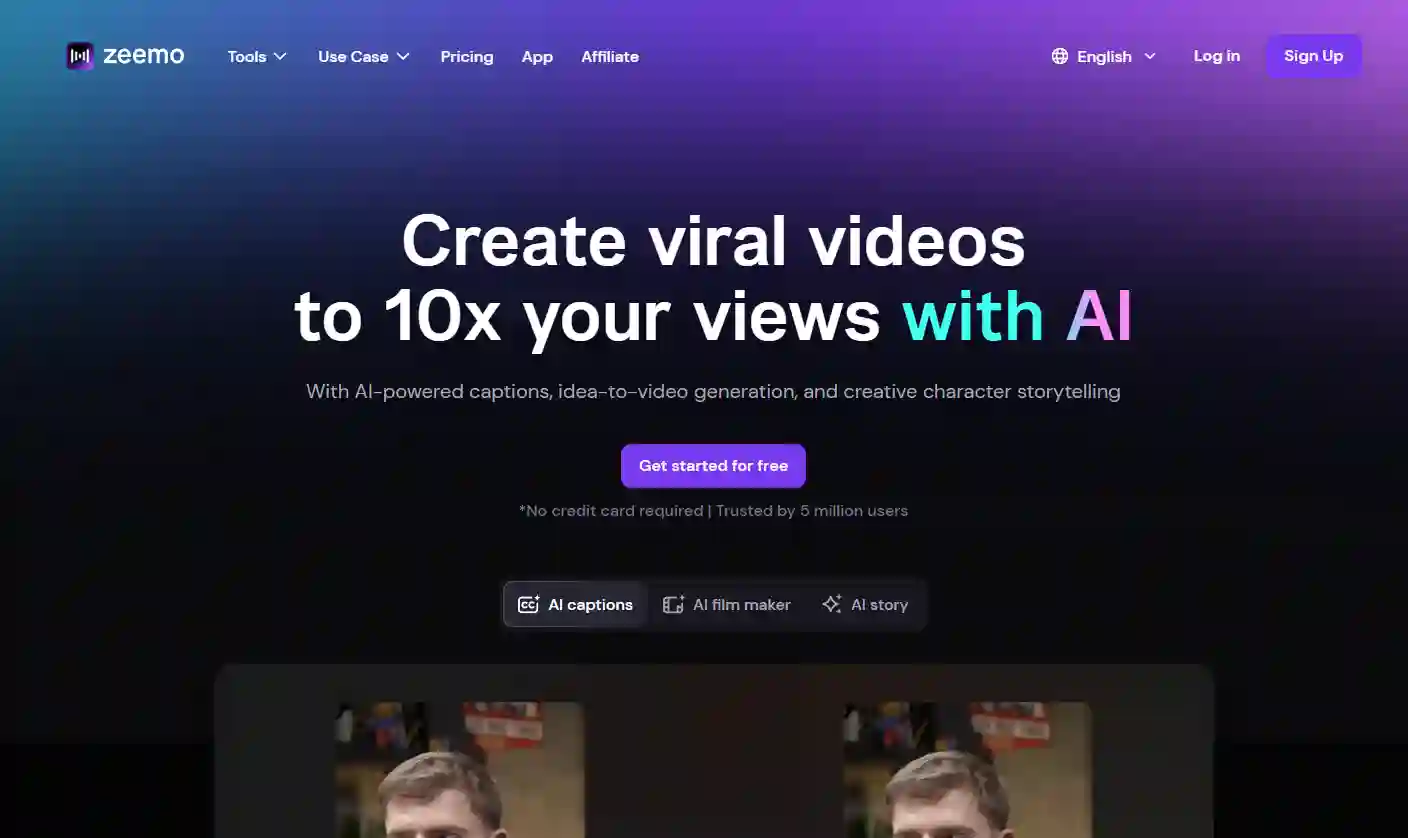
Its core is an automated "speech-to-text" to automatic subtitle translation pipeline. Our tests showed its speech recognition accuracy is up to 98% for clear audio. You upload a video and select the languages. In minutes, you get a translated, time-coded SRT file. This ability to create from scratch boosts efficiency. It makes the task of translating subtitle srt at least 10x faster.
Its strength lies in its high degree of automation. It saves creators immense time. The drawback is that it requires advanced features, such as removing filler words. These require a subscription. Zeemo AI is best for creators who produce many talking-head videos. Podcasters and online instructors will like it. They can translate subtitle srt to reach a global audience.
Whether exploring TikTok or Instagram Reels subtitle guides, automation helps creators effortlessly translate subtitle srt to attract global fans. How to Make REELS with Subtitles
How to Make REELS with Subtitles
TikTok Video
2.5 No-Download Alternative - Ai Subtitle Translator
Do you hate downloading apps? Do you have a one-time need? The ‘Ai Subtitle Translator’ web tool is your best bet. It is a pure online subtitle translator. It focuses on one thing. It helps you translate subtitle srt in your browser with speed and accuracy.
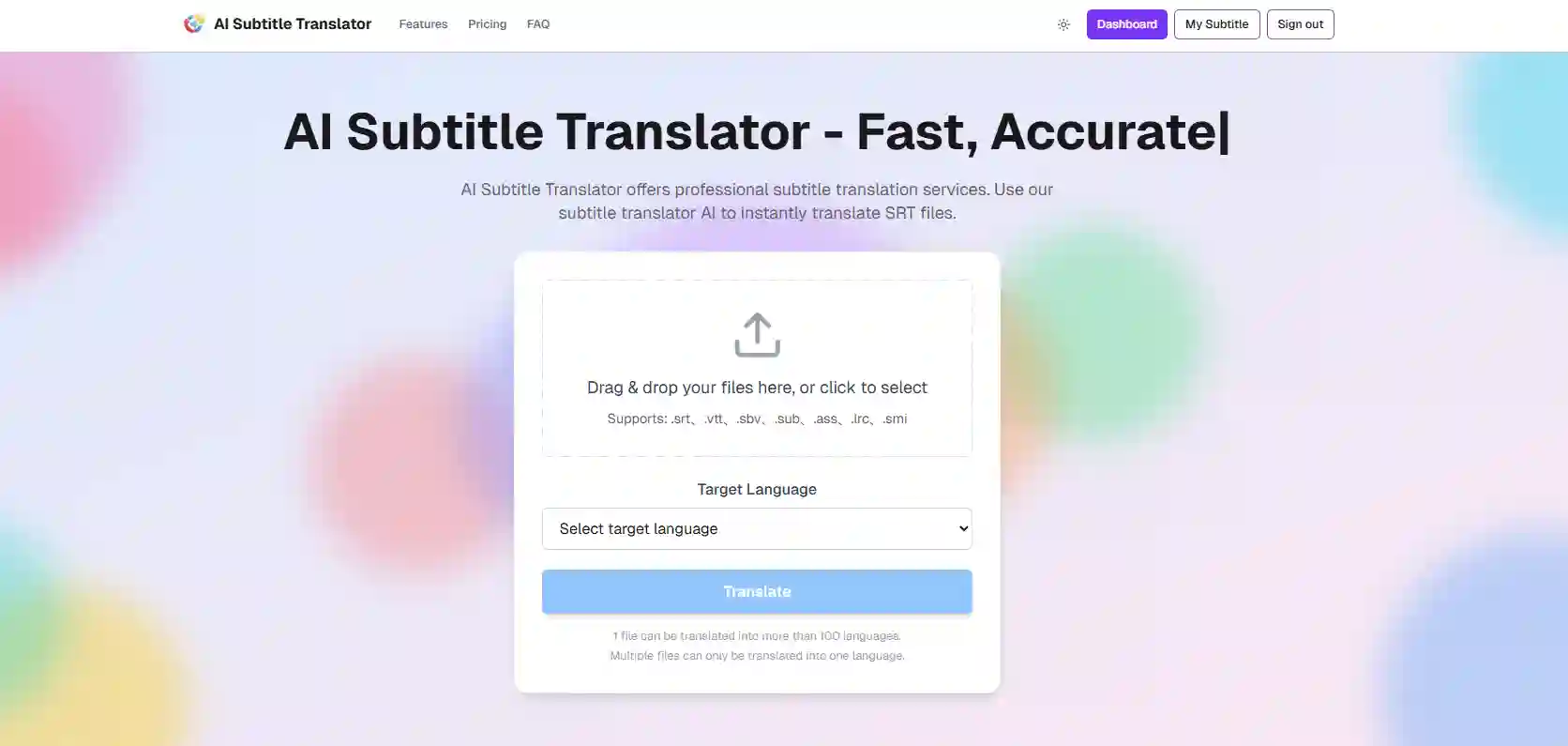
Using it is simple. Visit the website and drag and drop your SRT file. Choose from over 100 languages, then click Translate. It supports batch processing. It also preserves original timestamps to ensure sync. It is a convenient ai subtitle translator. It is a lifesaver for anyone who wants a quick fix.
Its pros are clear. It requires no installation, is intuitive, and translates fast. The main con is that it cannot handle video files. You must have the SRT file ready. This tool is perfect for specific users. It suits those who already have their subtitle files. They want to translate subtitle srt for free without adding another app to their phone.
Our AI subtitle translation tool excels at translate subtitle srt tasks, supporting SRT, VTT and more formats, and can translate subtitle srt files in 100+ languages quickly and accurately. It perfectly preserves timestamps, ideal for video localization, and lets you translate subtitle srt with a free batch trial to boost global content reach. You can translate subtitle srt effortlessly here, plus enjoy SRT, VTT, ASS mutual conversion and online SRT editing—no registration needed, drag-and-drop to refine text, timestamps and styles, simplifying video post-production.
3.How to Choose the Right SRT Translation App for Your Needs
After learning about these tools, you might ask, "Which one is best for me?" The answer depends on your specific goal. Here is a simple decision guide. It will help you select the perfect tool to translate subtitle srt based on your needs.
3.1 Need 1: I Demand the Highest Translation Quality
Is your primary goal accurate translation? Your choice matters. You should choose an app like SubTrans that supports many AI engines. This advanced automatic subtitle translation technology ensures quality. It correctly interprets technical terms and complex sentences. This elevates the final result when you translate subtitle srt.
3.2 Need 2: I Have Absolutely No Budget
Is your budget zero? Do you need to get basic translation tasks done? SRT File Translator is your go-to option. It does an excellent job with the core task of translating subtitles. Its translation engine is basic. However, it is enough for casual viewing or personal study.
3.3 Need 3: I Need to Adjust Timestamps After Translation
Translation is the first step. Perfect synchronization is key. You might find the translated text is out of sync with the audio. In this case, a built-in SRT file editor becomes essential. An app like Kapwing allows you to fine-tune timestamps on your phone. This is crucial for a quality viewing experience on any important translate subtitle srt project.
3.4 Need 4: I Have VTT Files, Not Just SRT
Your work might involve more than a single format. Before choosing an app, check if it can translate VTT files or formats like ASS. A tool like SRT File Translator supports multiple formats. This saves you the extra step of conversion. It makes your workflow to translate subtitle srt much smoother.
3.5 Need 5: I Want a Quick Translation Without Downloading an App
Do you only need to translate a file once in a while? Do you want to avoid installing a new app? An online tool is the best solution. Ai Subtitle Translator lets you translate subtitle srt in your browser. No download is required. This is the perfect fix for efficient users. It helps keep your phone clutter-free.

4.Common Problems (FAQ) and Solutions for Translating SRT Subtitles on Mobile
You might run into small issues when you translate subtitle srt on your phone. Do not worry. These problems are usually easy to fix. Here are common questions and quick solutions. They will help you get the job done.
4.1 Problem 1: Why does the translated text look like garbled characters?
This is the most frequent issue. Do your translated subtitles appear as a jumble of strange symbols? It is usually not the fault of the subtitle translator app. The problem usually lies with the text encoding of the original SRT file.
Here is the most effective solution. Open your SRT file in any text editor before uploading. Use the "Save As" function. Make sure you select "UTF-8" as the encoding format. This simple step resolves 99% of all garbled text problems.
4.2 Problem 2: How do I fix subtitles that are out of sync with the video?
Sometimes, automatic subtitle translation causes minor timestamp shifts. You might also have a source file with bad timing. This results in subtitles appearing too early or too late.
To fix this, you need an app with a built-in SRT file editor. Kapwing is a good example. It allows you to adjust the start and end timecodes for each dialogue line. Spend a few minutes fine-tuning the timing. This is a key step to translate subtitle srt well. It ensures a perfect match.
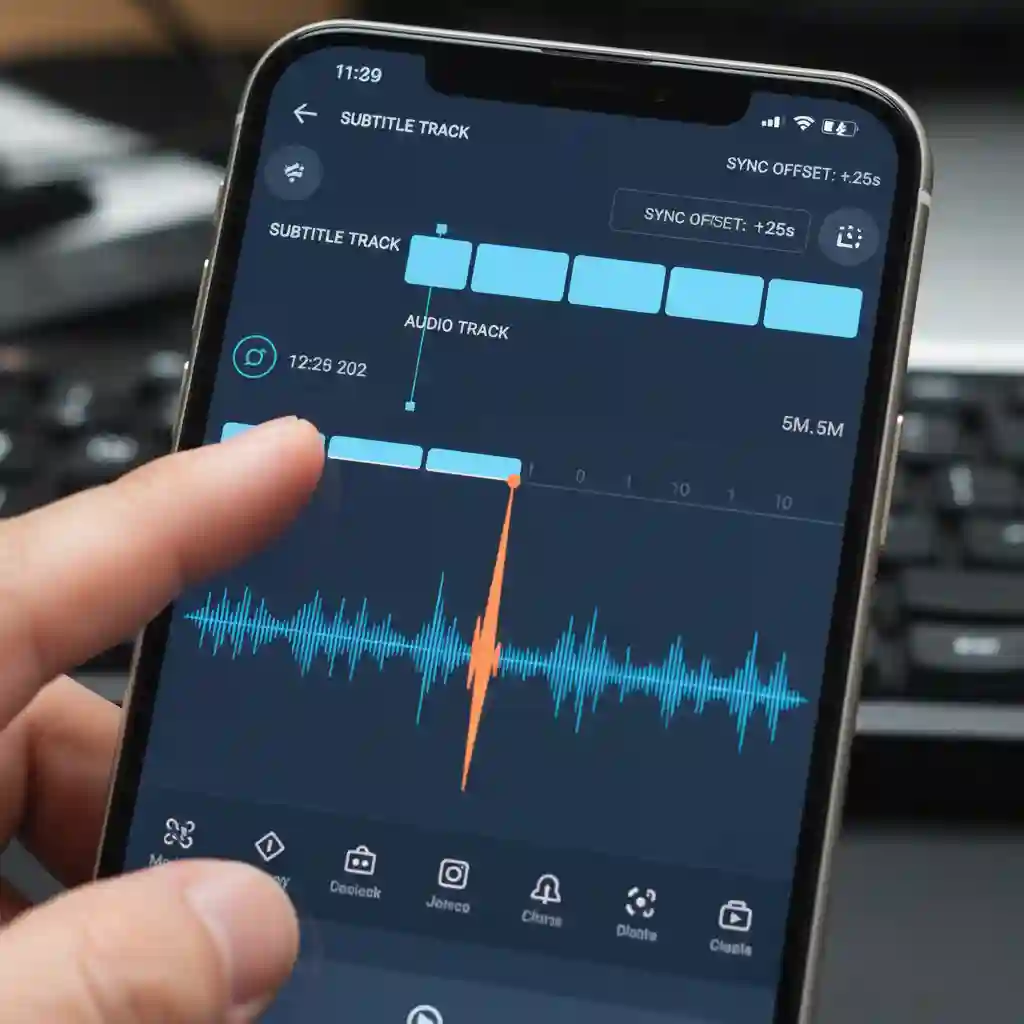
Watch this video tutorial to see precise timeline adjustments, ensuring perfect sync when you translate subtitle srt. How to Translate YouTube Subtitles for Free
How to Translate YouTube Subtitles for Free
YouTube Video
4.3 Problem 3: Are these apps safe? Will they compromise my file's privacy?
Data security is a valid concern. The apps we recommend come from reputable developers. However, it is always smart to be cautious. Take a minute to review the privacy policy before using any online tool.
Most services state that they do not store your content. Servers usually delete your uploaded files within a few hours to 24 hours. Sticking to well-known apps is the best way to keep your data secure.
4.4 Problem 4: I have VTT files, not just SRT. Can I still use these tools?
Yes, you can. Our guide focuses on how to translate subtitle srt. However, many modern tools also handle other formats. For example, SRT File Translator does an excellent job. Use it when you need to translate VTT file or ASS files.
Check the "Supported Formats" section in the app store description before downloading. Choose a tool compatible with many formats. This makes your life easier when you encounter different subtitle file types later.
5.Master Subtitle Translation Anywhere, Anytime
You can see that the task to translate subtitle srt on your phone is no longer complicated. It is not out of reach. With the right tools, the process is efficient and straightforward. You now have the power to break down language barriers. This applies to professional work or personal entertainment.
Let's recap your options. SubTrans is your professional choice for accuracy. Do you need a free and versatile tool? SRT File Translator will not disappoint. Do you need to edit as you translate? Kapwing offers the perfect experience. Finally, Zeemo AI opens the door to full automation.
Stop letting language block your experience of the world! Download one of these apps today based on your needs. Experience the satisfaction. You can translate subtitle srt in minutes. Do you have other great tools or tips? Please share them in the comments below. Let's help each other become better creators and learners.
Reference:
[Auto Translate SRT File: translate your subtitles automatically with AI]